Saezuri
A living collage of the birds you’re hearing.
A self-hosted display for your BirdNET-Go instance. It watches recent detections and arranges the species you’re hearing into a woodblock-style collage — each bird sized by how often it calls.
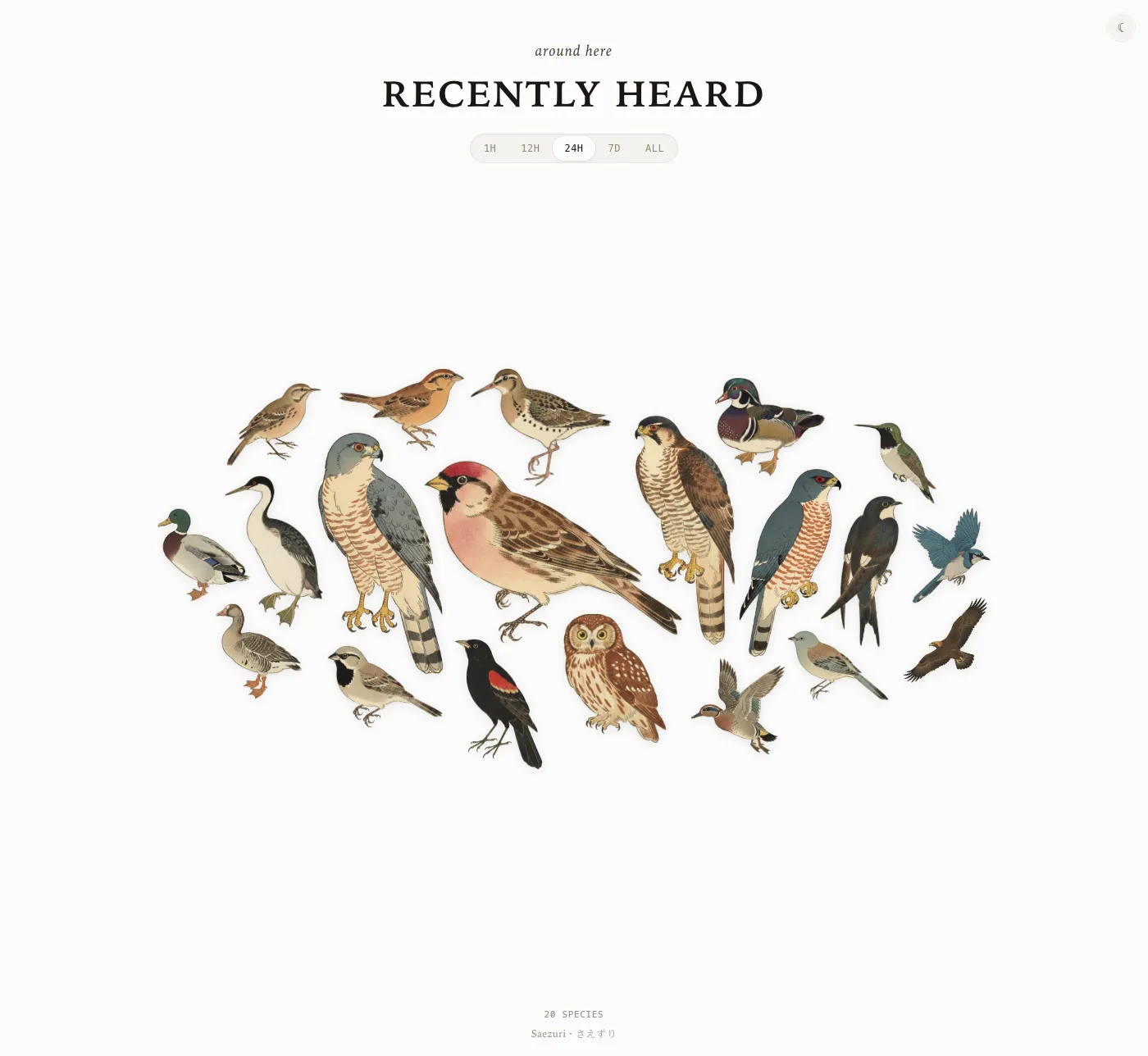
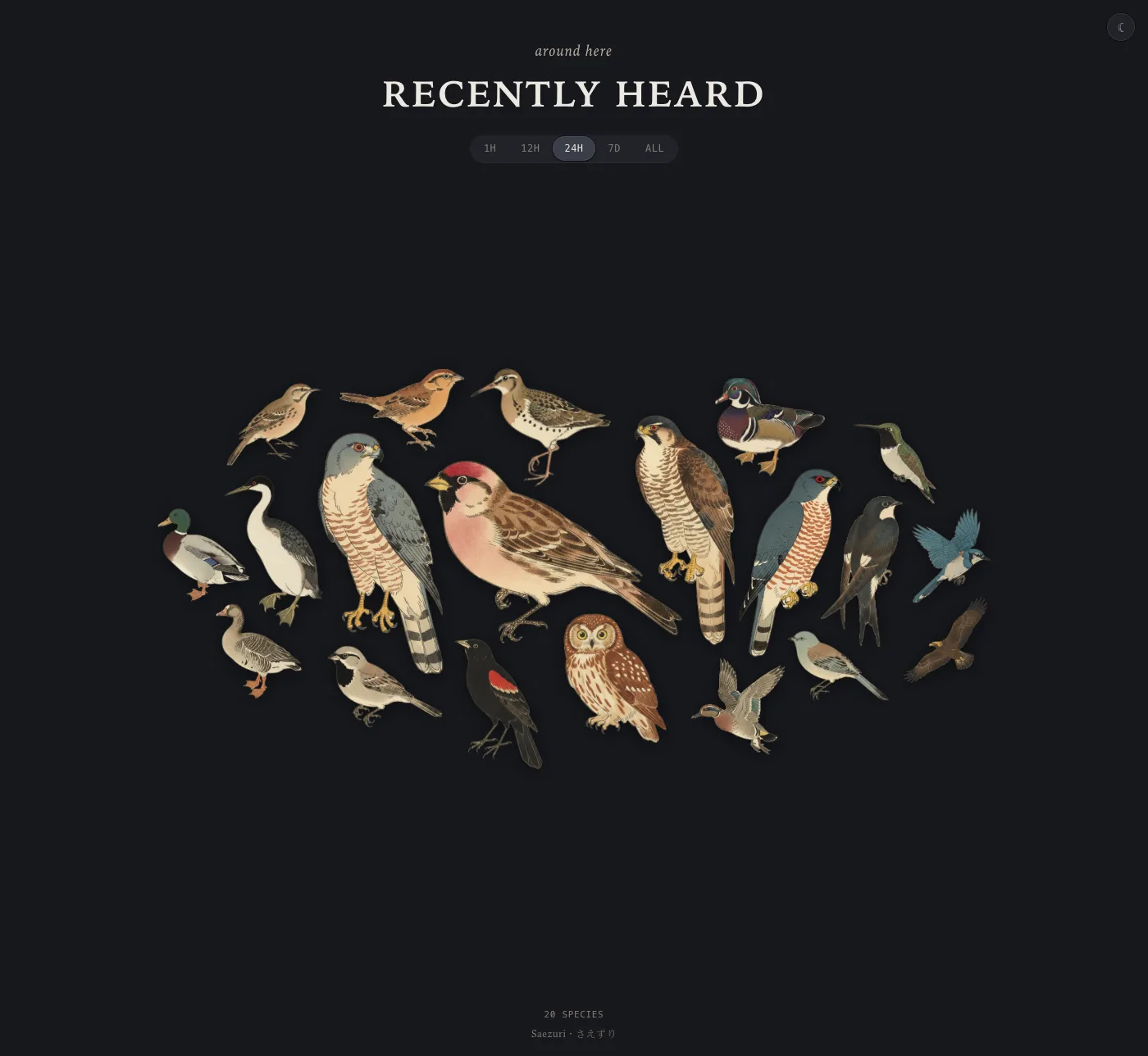
The last 24 hours, one bird per species — larger means heard more often.
What it does
A calm, glanceable view of your local birdlife
Point it at BirdNET-Go and leave it on a screen. Everything runs on your own network — no account, no cloud, no writes.
Sized by what you hear
Each species grows with its detection count in the chosen window, so the regulars you hear most anchor the plate.
Silhouette collage
Birds nest by their actual outline, not bounding boxes — they cluster tightly and organically without ever overlapping.
Live and hands-off
Polls every 30 seconds and re-packs as new birds arrive. Pauses when the tab isn't visible; refreshes the moment it is.
Time windows
Flip between the last hour, 12 hours, 24 hours, 7 days, or all-time to see who has been around.
Light & dark
A warm-paper day theme and a charcoal night theme, following your display — easy on a wall screen at any hour.
Self-hosted & read-only
The browser only ever talks to its own origin; a background service reads from your instance and serves only static files. No auth on a LAN, optional token for private setups.
Runs anywhere
One small multi-arch container (amd64 + arm64), happy on a Raspberry Pi and over plain HTTP.
Install
Up in one command
You’ll need a running BirdNET-Go instance on your network. Point Saezuri at it with a single environment variable.
Run the container (use your instance’s address):
docker run -d -p 8080:80 \
  -e BIRDNETGO_URL=http://192.168.1.10:8080 \
  ghcr.io/vrwrts/saezuri:latest
…or with Docker Compose:
services:
  saezuri:
    image: ghcr.io/vrwrts/saezuri:latest
    ports: ["8080:80"]
    environment:
      BIRDNETGO_URL: http://192.168.1.10:8080
    restart: unless-stopped
Then open http://localhost:8080. Two settings:
| Variable | Required | Description |
|---|---|---|
BIRDNETGO_URL | yes | Base URL of your BirdNET-Go instance, e.g. http://192.168.1.10:8080. |
BIRDNETGO_TOKEN | no | Token for a private (PrivateMode) instance. Used by the background service — never sent to the browser. |